
Built around a court day, not a dashboard
Know the day before you reach the court
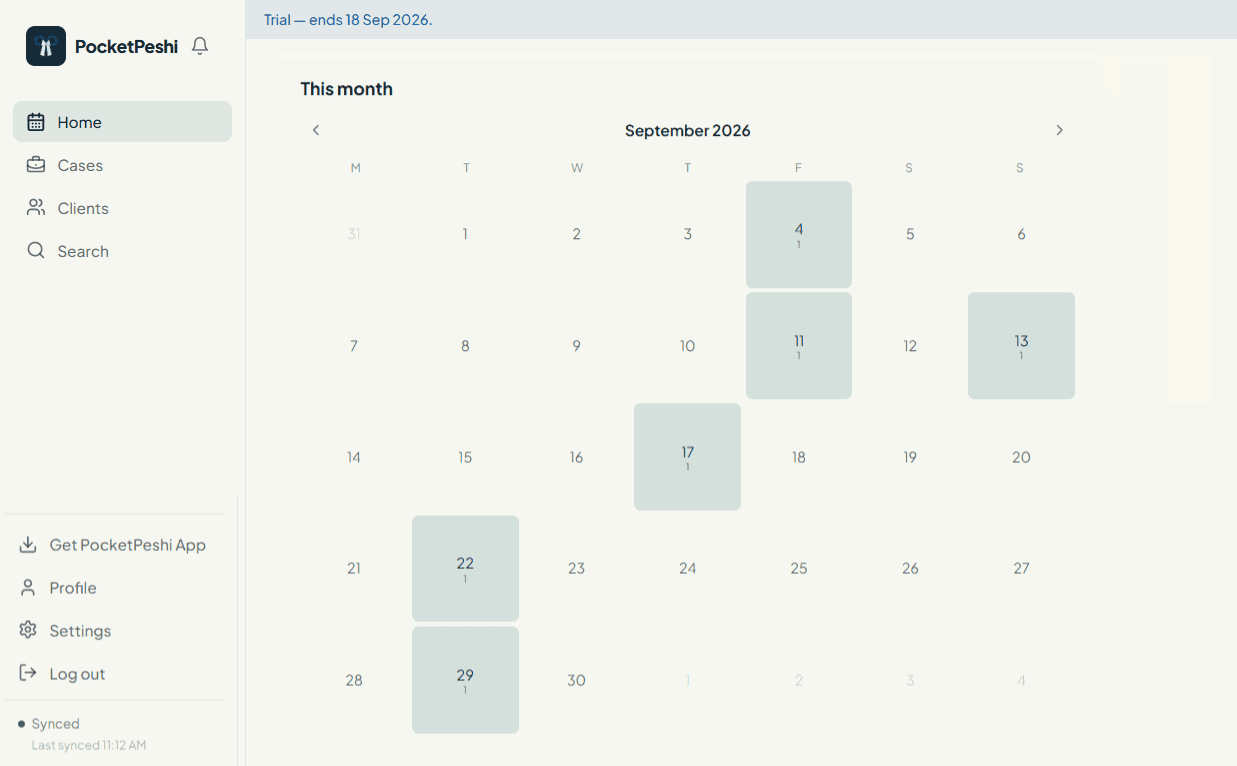
Home lists the cases fixed today and tomorrow. The monthly calendar shades each date by the number of hearings on it and shows the count, so a heavy Monday is visible on the Friday before.
Cases whose fixed date has passed with no proceeding recorded are pulled out as missed, so nothing quietly falls off the list.
- Today and tomorrow cause lists on the first screen
- Month view with per-date hearing counts, never colour alone
- Missed-date section for hearings with no proceeding recorded
- Tap a date to see every case fixed on it
How sync works, honestly
The main screens read from a copy of your workspace held on the device, so they open with no connection. Recording a proceeding, editing a hearing and fixing the next date all work offline; the change is queued and sent when you reconnect.
A queued proceeding or fee entry is shown as pending, not confirmed, until the server accepts it. If the server rejects a change, the local copy is rolled back so the record stays accurate. Creating a new case or client needs a connection.
- Read screens work fully offline from the on-device copy
- Proceedings, hearing edits and next dates queue offline
- Pending vs confirmed is shown — optimistic writes are not faked
- Rejected changes are undone, not left looking saved
- New case / new client require a connection by design
Proceedings history that reads like a file
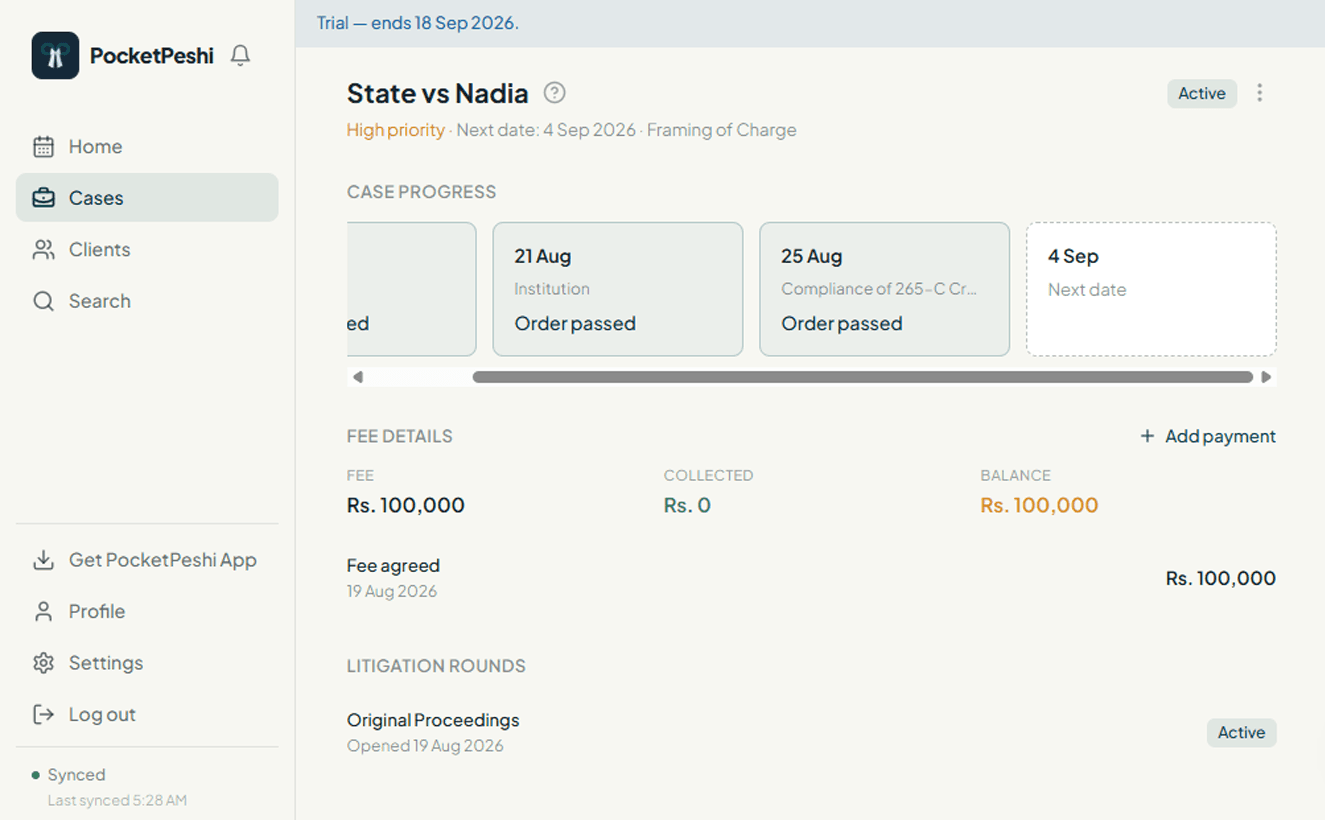
Each case keeps its proceedings in date order: what was said to have happened, the outcome, and the stage the matter was at when it happened. Long notes are kept in full. The next date is fixed in the same step as recording the last hearing.
- Chronological proceedings with outcome and stage
- Record the proceeding and fix the next date together
- Full note text, not a truncated summary
- Edit a proceeding when you got a detail wrong
Appeals, revision, remand, restoration — more than one round
Litigation does not run in a straight line. The stage map shows the route a matter has actually taken, including an appeal or revision as its own round, a remand that sends it back, and a restoration that revives it. Repeated and skipped stages are shown as they happened.
- Separate rounds for appeal, revision, review and execution
- Remand shown as backward movement, not a broken checklist
- Restoration of a dismissed or abated matter
- Repeated stages across multiple rounds kept distinct
Agreed fee, payments, balance
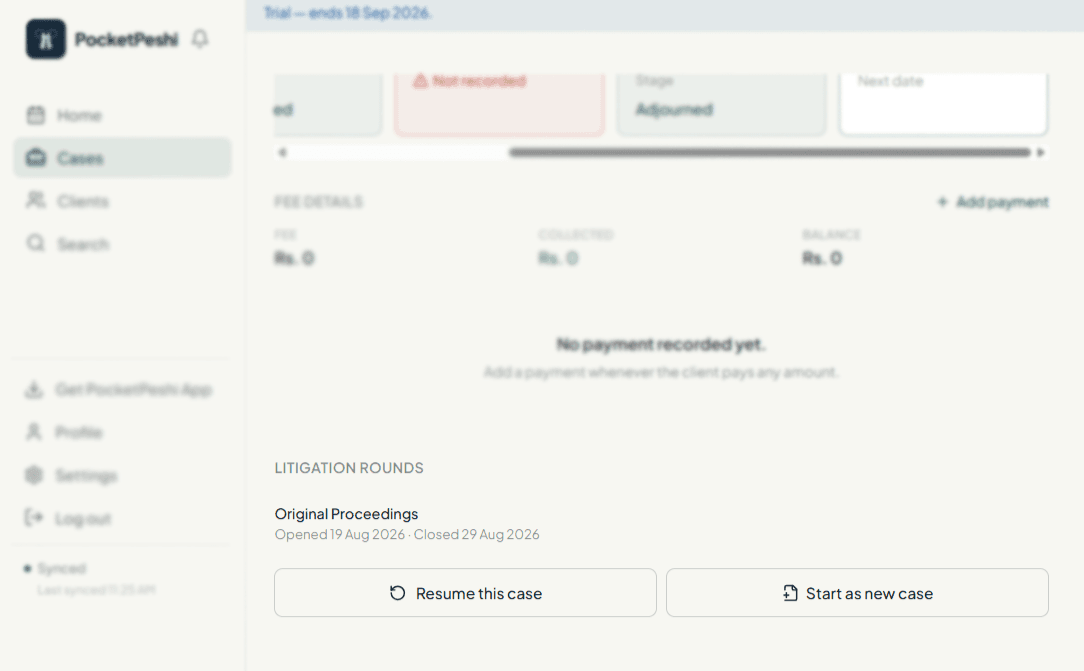
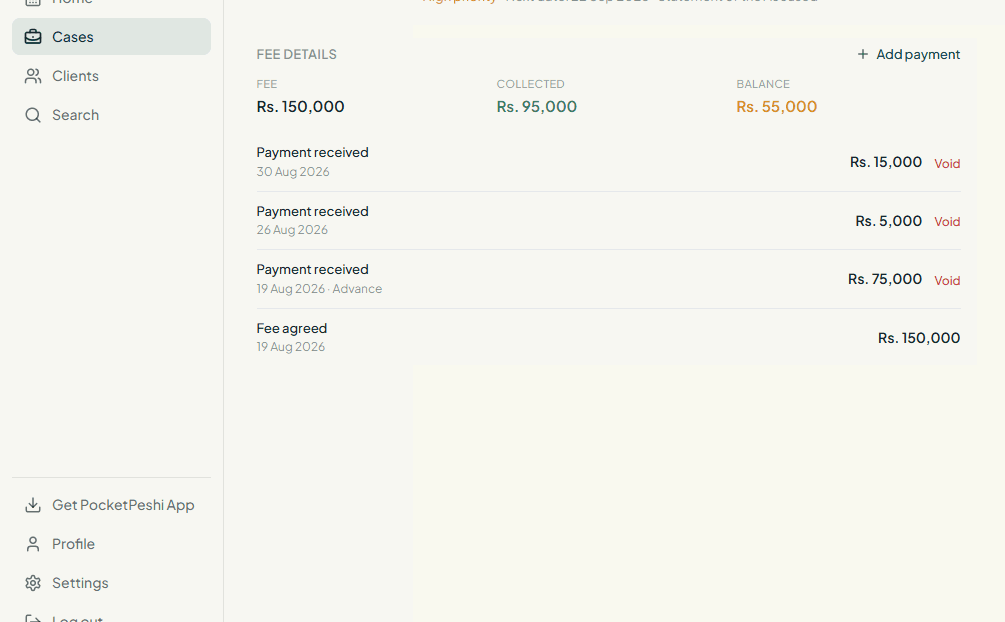
Record the agreed fee for a case and add each payment as it is received. The balance is kept for you, per case and per client. Voiding a transaction is limited to the lawyer and is written to the audit trail with who did it and when.
- Agreed fee and payments received in one ledger
- Running balance per case and per client
- Void is lawyer-only and fully audited
- See what is outstanding across a client's matters
Order sheets and pleadings, filed with the case
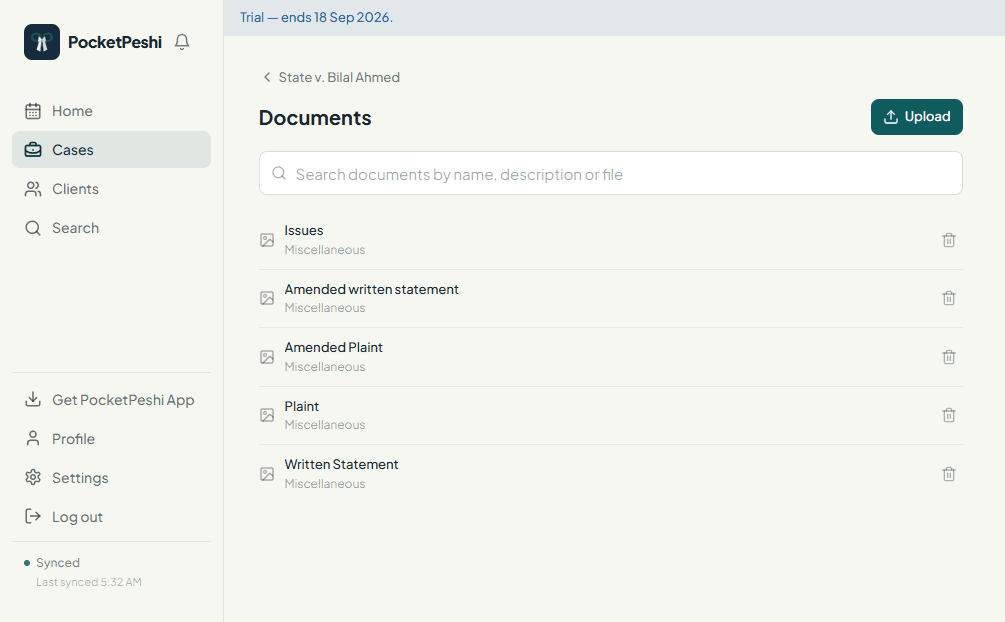
Capture an order sheet with the phone camera as you leave court, or upload pleadings, evidence and correspondence from the chamber. Files stay attached to the case and are served through a short-lived private link rather than a public URL.
- Camera capture on mobile, file upload on desktop
- Images and PDFs, organised by case
- Private storage with expiring access links
One workspace, clear roles
A lawyer and their assistants share a single workspace and the same case files. Assistants can add clients and cases, record proceedings, fix dates and upload documents. Voiding a fee entry stays with the lawyer. You add and remove assistants from Settings.
- One workspace per advocate, shared with invited assistants
- Assistants handle day-to-day records and documents
- Fee voids reserved to the lawyer
- Add or remove assistants at any time
More on top of all this, with Premium
An optional plan at Rs. 999/month will add a set of premium features in the next version. They are still being defined. When Premium is available you will upgrade from inside the app — there is no purchase flow on this website.
See it with your own cases
Sign up and set up your first case file this week.
Get startedAlready using PocketPeshi? Log in